
01
Add your portrait
Choose a clear full-body photo from your library or camera. We’ll guide you with tips for the best AI results.
Outfit.ai turns your photo and any outfit into a realistic preview — no changing room required.
How it works
No account needed. Everything stays in your pocket — portraits, closet, and saved outfits on your iPhone.
Choose a clear full-body photo from your library or camera. We’ll guide you with tips for the best AI results.
Import garments from your photos, product links, or inspiration rails — clean them up with background tools if needed.
Tap try-on, compare before and after, then save winning outfits to your wardrobe to revisit anytime.
Inside the app
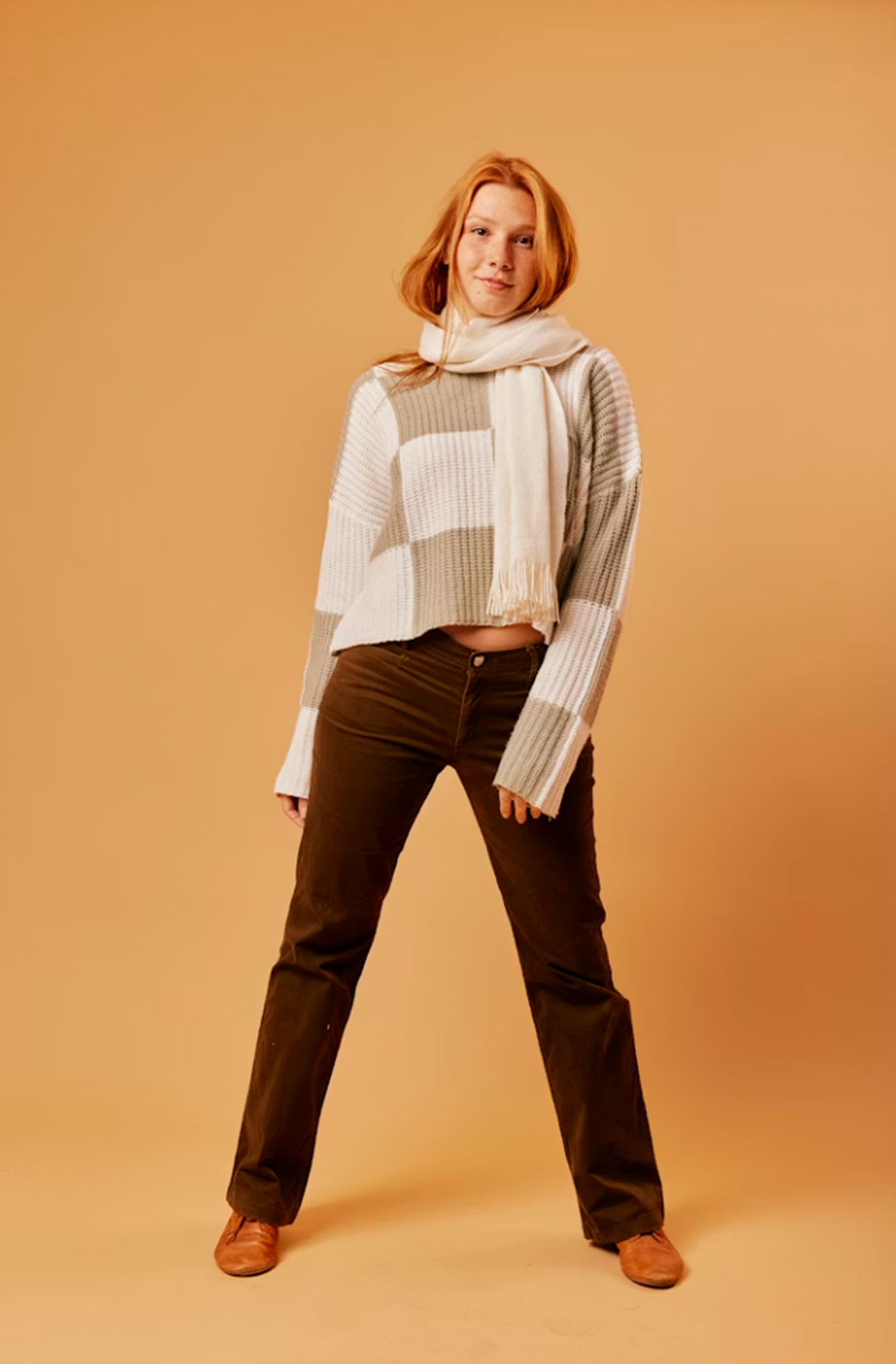
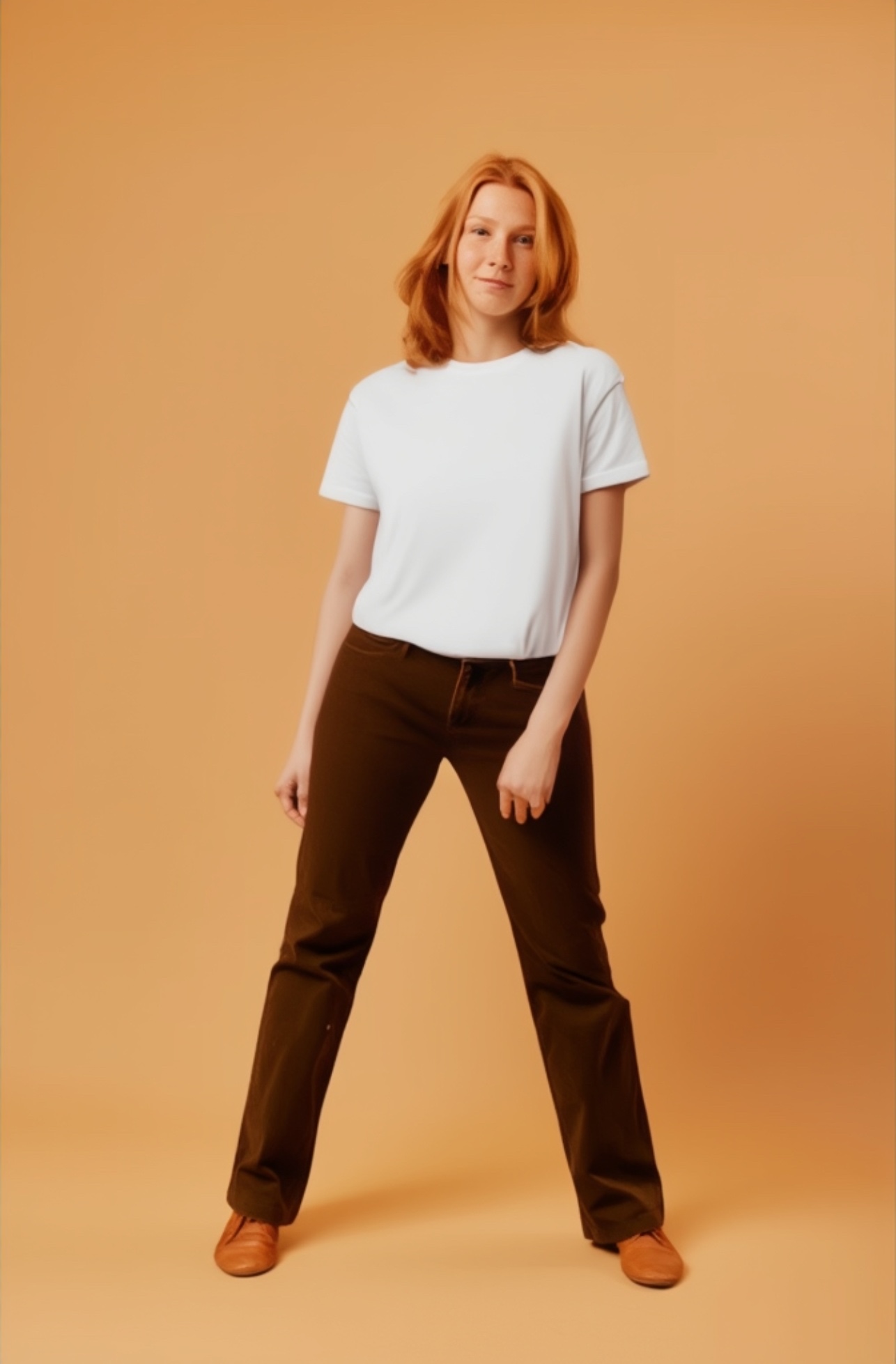
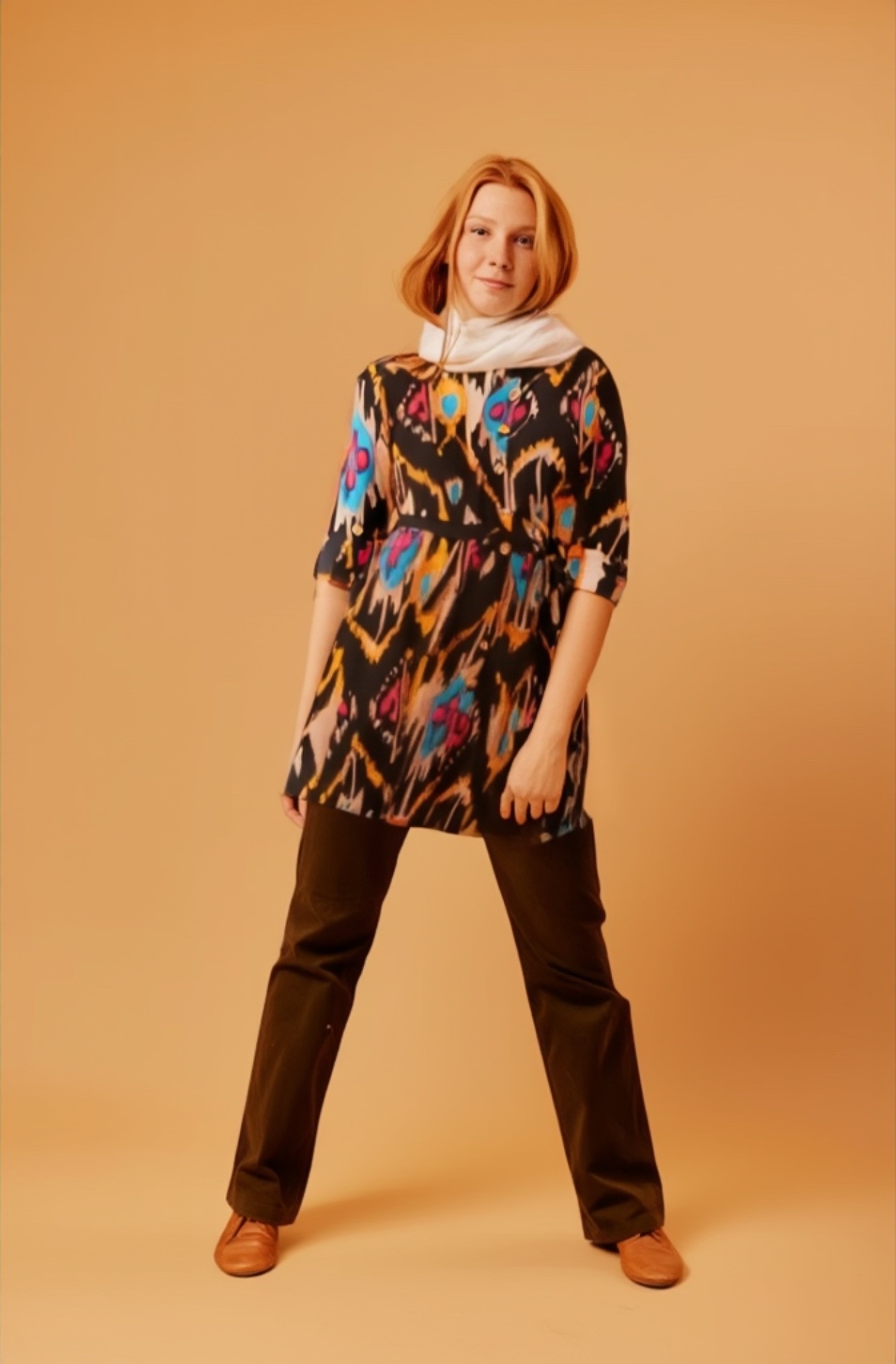
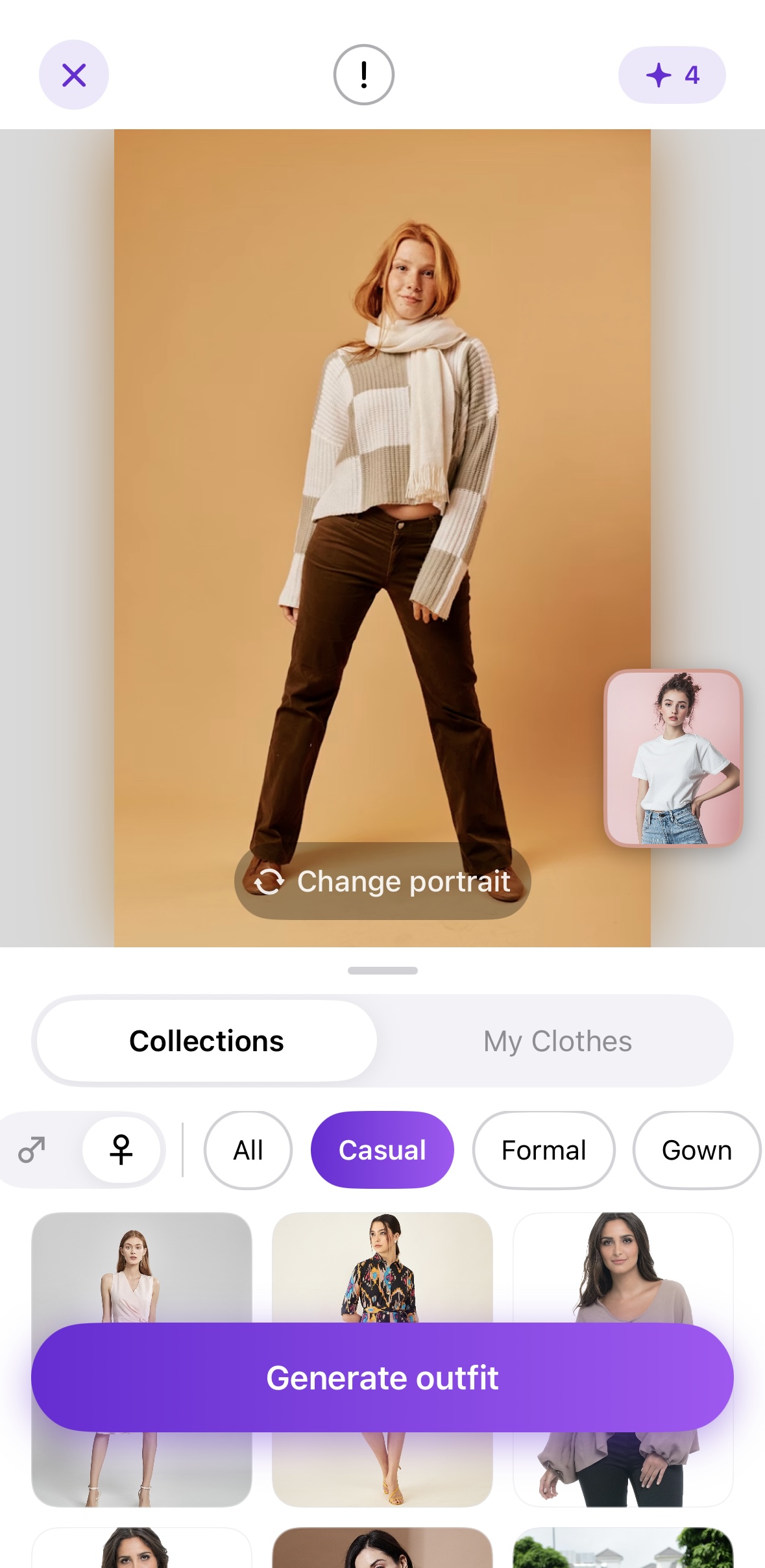
One portrait, endless combinations — the slider above shows AI results; below is the actual Outfit.ai interface on iPhone.
Build your closet, pick a portrait, and generate try-ons without leaving the app. Wardrobe, credits, and saved looks live on your device.
Keep several full-body photos and swap the model in a tap.
Add garments from your camera roll or a product link, sorted by category.
Pick a portrait and an outfit, then generate a realistic preview in seconds.
Store the looks you love and revisit your whole wardrobe anytime.
Same model · different AI looks
“See your style instantly — upload a portrait, pick an outfit, and let AI dress your photo in seconds.”
Your digital closet
More than a one-off filter — a full try-on workflow with credits, subscriptions, and a closet that grows with you.
Combine portrait + clothing images for lifelike previews. High-quality rendering with compare view before you save.
Multiple full-body photos, ready to swap for every session.
Organize tops, dresses, and pieces from camera or URL import.
Keep your best generations in one wardrobe timeline.
Paste a product URL and pull images straight into try-on.
Browse curated style rails and jump into a try-on with one tap.
Start with 3 free credits — one credit per try-on. Top up as you go, or grab the limited-time Unlimited Pass for unlimited try-ons.
Pricing
Every new install comes with 3 free credits — one credit per try-on. Keep going with credit top-ups, or unlock unlimited try-ons with the limited-time pass.
Pay as you go
Buy credits and use them whenever you like — each try-on costs 1 credit.
Pack sizes and pricing appear in the App Store at checkout.
Unlimited Pass
Skip the counting. Generate as many try-ons as you want for the whole week — no credits needed.
Auto-renews weekly until cancelled. Manage anytime in your Apple ID settings.
Download Outfit.ai on the App Store. Free credits included on every device.